1. Log into your cpanel account.
2. In the "Files" section, click on "Backup Wizard" Icon.

3. Under "Backup/Restore" text,. "Restore" babies. 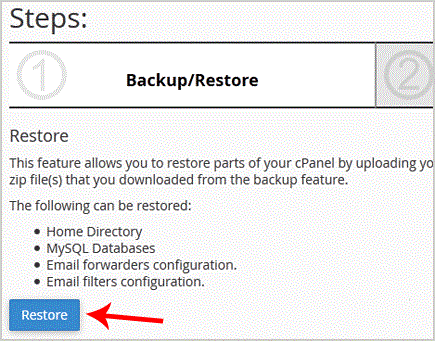
. Under "Select Restore Type", choose the appropriate option.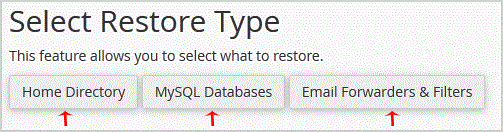
5. Click on "Browse", select your backup file from your PC, and. "Upload" babies. 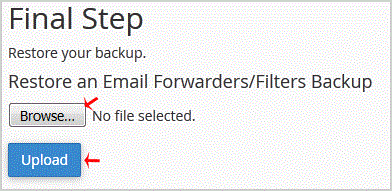
- 0 کاربر این را مفید یافتند
-
How to generate and download a full backup of your cpanel Account?
1. Log into your cpanel account.2. In the "Files" section, click on "Backup" Icon. 3. Under "Full...
How to generate a cpanel backup and sent to FTP Server?1. Log into your cpanel account.2. In the "Files" section, click on "Backup" Icon. 3. Under...
How to Download Backup of Home Directory, MySQL or E-mail Only?1. Log into your cpanel account.2. In the "Files" section, click on "Backup Wizard" Icon. 3....
